Stay Connected with the People Who Matter
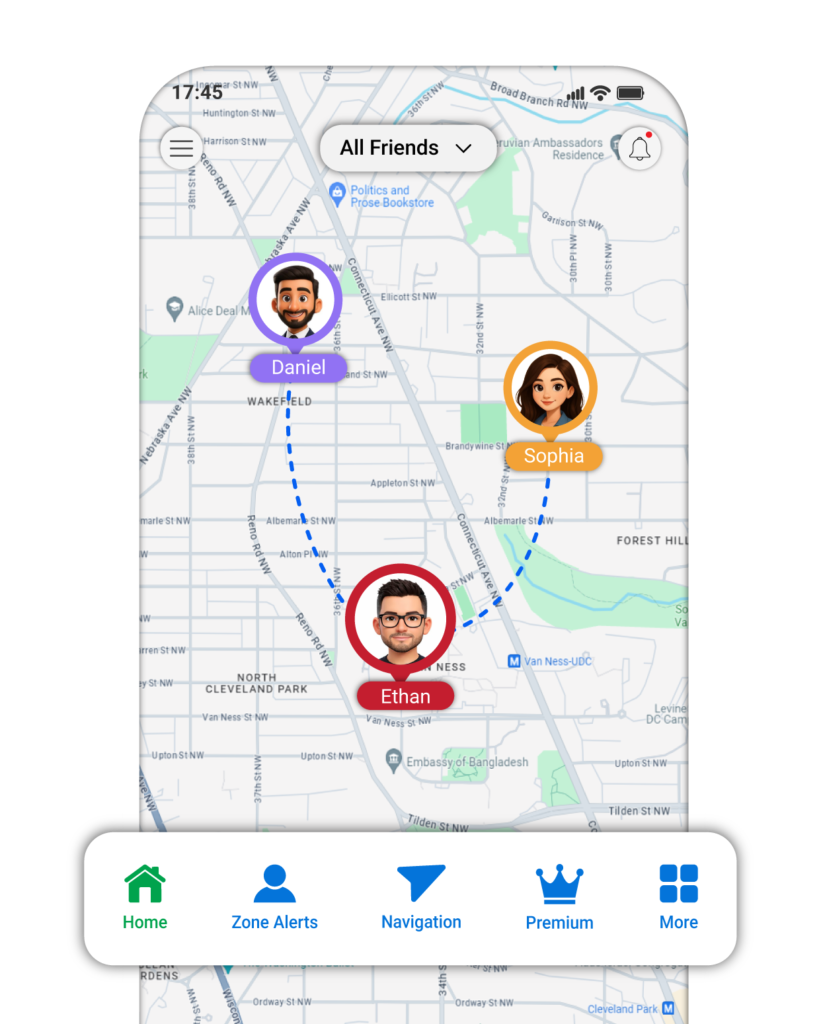
Explore your current location, review location history, plan routes, and stay connected with family members and other connected users through location sharing and place alerts.
How it Works
Step 1: Install the App
Download Phone Location Tracker from Google Play Store/ Apple App Store and complete the initial setup.
Step 2: Connect with another user
Enter the other person’s details such as name and DOB whom you want to track. An invitation code will be generated. The other person has to install the app and enter the invitation code to establish the connection.
Step 3: Explore App Features
View available shared locations, review location history, configure place alerts, and use other features
Get Started Today
Download the app and explore its location features.
Features
Stay Connected. Know Where You Are.
Discover convenient location tools designed for individuals and families, all in one app.
01
Current Location
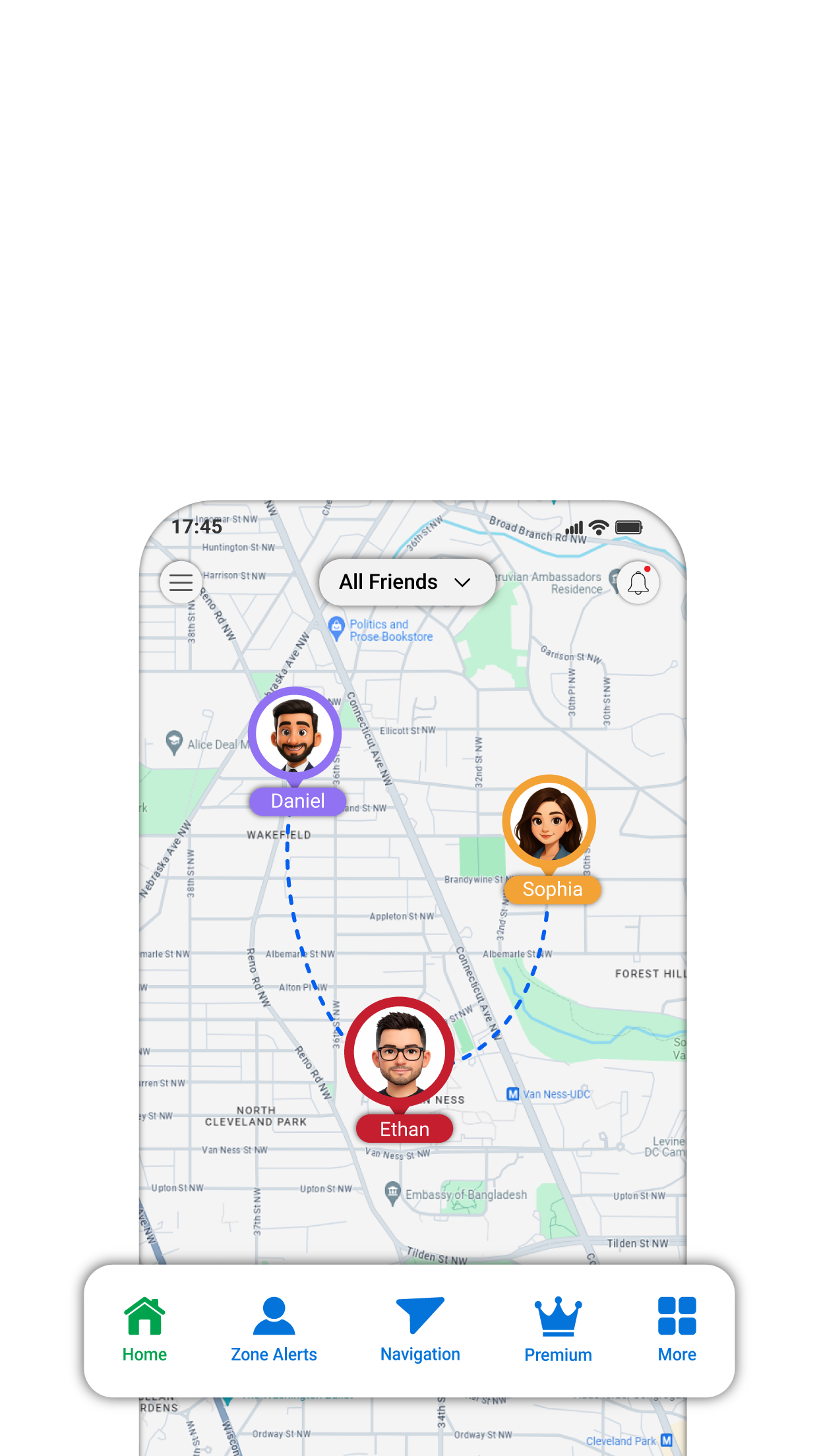
View your & others real-time location on a map.
02
Location History
Review your own and other connected users 30 days location history.
03
Place Alerts
Set up zones and receive notifications when any user enters or leaves zone such as home, school, or office.
04
SOS Alerts
Send SOS alert to the trusted contact in case of an emergency
05
Share Your Location
Share your location with others through multiple ways
06
Location Sharing
Connect with other users and view their shared location.
1000+
Satisfied clients
550+
Completed projects
30+
Years of experience
45+
Team members
Who is it for?
Designed for Individuals and Families
Whether you want to manage your own location information or stay connected with family members, Phone Location Tracker brings useful location features together in one place.
For Individuals
View your current location, review location history, explore routes fors different travel modes, and share your location when needed.
For Families and Connected Users
Connect with other users through invitation codes, view shared locations, review available location history, configure place alerts, and use supported SOS features.
“Architecto autem facilis conse quuntur rerum nemo! Torquent non, nostrum quis vestibulum magnis? Quos praesentium netus, gravida eros ridiculus.”

Daniel Kim
CFO, Greenway Logistics
“Architecto autem facilis conse quuntur rerum nemo! Torquent non, nostrum quis vestibulum magnis? Quos praesentium netus, gravida eros ridiculus.”

Emily Rodriguez
CEO, BlueNova Technologies
One App. Useful Location Tools for Everyday Life.
Keep your loved one’s safe and stay connected wherever the day takes you. Whether you are checking in on family, sharing a live trip, or finding your way around, get simple tools designed for real peace of mind.